Note: This article contains affiliate links.
Your Eyes are Straining
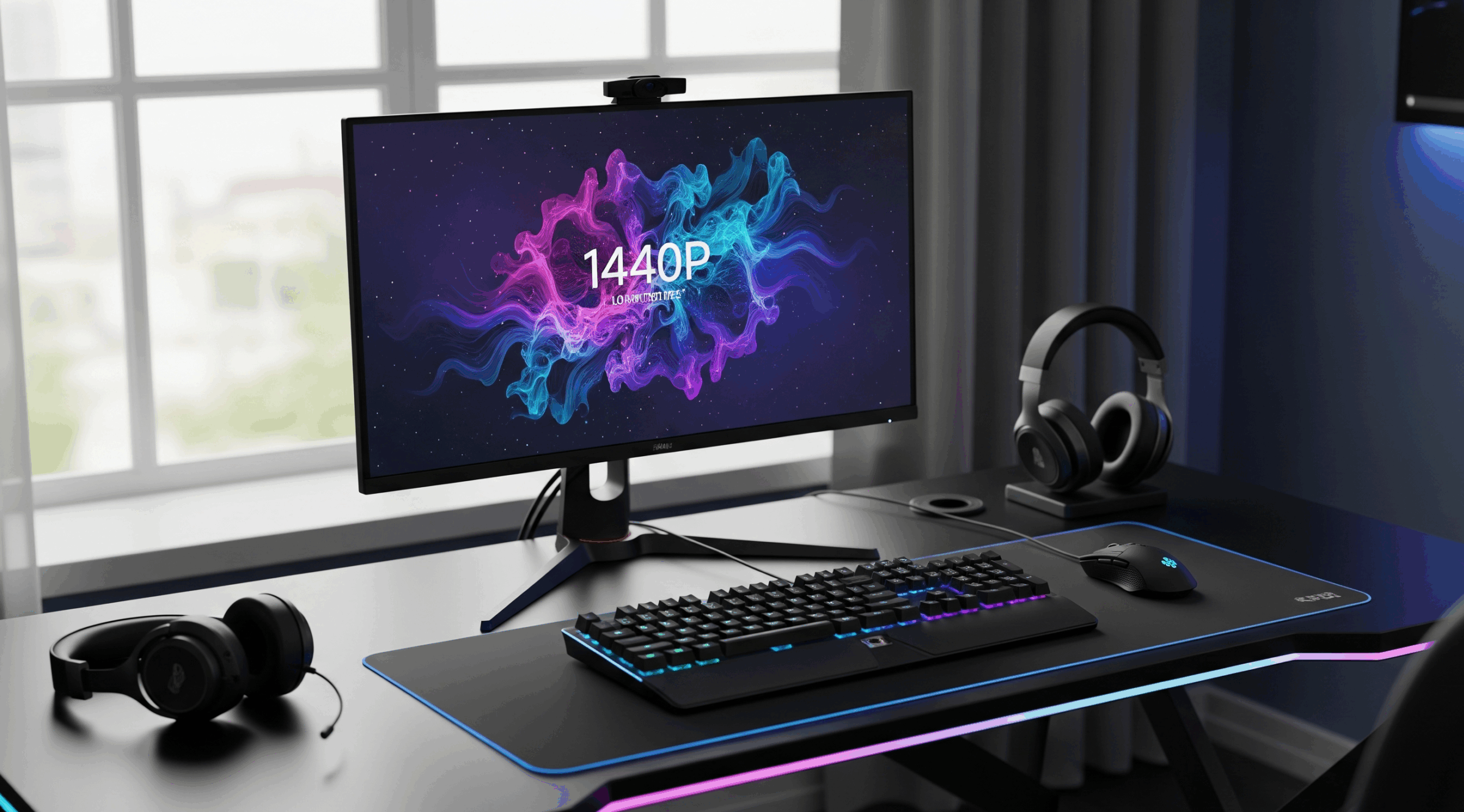
The 1440p resolution is the ultimate sweet spot, blending the high frame rates of 1080p with the incredible detail of 4K. But even at this perfect balance, a subpar monitor can leave you with a productivity-killing setup. We’re talking about washed-out colors, distracting ghosting, and a lack of ergonomic features that make long sessions uncomfortable. Choosing the wrong screen means you’re leaving performance on the table, and that’s a rookie mistake.
The Difference Will be Night and Day
The right 1440p monitor is a direct path to a more efficient and immersive experience. With a forward-tech display, you get the speed you need for competitive gaming and the color accuracy required for content creation or streaming. The solution is to invest in a monitor that delivers a high refresh rate, a quick response time, and a vibrant panel. This upgrade will not only elevate your gameplay but also make every task feel sharper and more responsive.
Top 1440p Monitors for Gamers & Streamers
Gigabyte M27Q-P
A favorite in the tech world for its unbeatable feature set at a competitive price. The Gigabyte M27Q-P delivers a fast 170Hz refresh rate on a sharp SS IPS panel, giving you both speed and vibrant color. Its standout feature is the built-in KVM switch, which allows you to seamlessly switch between your gaming PC and a work laptop with a single press of a button. Discover how this monitor can transform your workflow.
Pros:
- Built-in KVM Switch: A game-changer for remote workers and streamers who use multiple computers.
- Excellent Value: Packs premium features and a high refresh rate for a very reasonable price.
- Great Color Accuracy: The SS IPS panel provides a rich, colorful picture ideal for both gaming and content creation.
- High Refresh Rate: The 170Hz refresh rate ensures smooth, fluid motion in any title.
Cons:
- Can Have QC Issues: Some users report backlight bleed or dead pixels.
- BGR Sub-Pixel Layout: The unique layout can make text appear blurry to some users, impacting productivity.
Dell S3222DGM
If you’re looking for an immersive experience with a large screen, the Dell S3222DGM is a powerful choice. This 32-inch curved VA monitor gives you a massive amount of screen real estate with a deep, punchy contrast ratio. Its 165Hz refresh rate and a fast response time make it perfect for gaming. It’s an efficient way to get a big-screen feel without a huge price tag. Discover how this monitor can bring your games to life.
Pros:
- Immersive Curve: The 1800R curve and large 32-inch screen pull you into the game.
- Deep Contrast: The VA panel provides excellent black levels and contrast, making games and movies look incredible.
- Outstanding Value: Delivers a high-performance experience at a price that’s hard to beat.
- Smooth Performance: 165Hz refresh rate and fast response time keep motion fluid and blur-free.
Cons:
- No Speakers: You’ll need an external audio solution.
- Limited HDR: Lacks true HDR support, so it won’t deliver the same visual punch as a monitor with higher brightness levels.
Samsung Odyssey G70B
The Samsung G70B is an absolute beast for console gamers and media enthusiasts. This isn’t a 1440p monitor—it’s a 4K display with a 144Hz refresh rate, delivering an incredibly crisp picture that’s perfect for both modern consoles and PCs. It’s a true hybrid, packed with Samsung’s Smart TV apps and a remote, allowing you to use it for streaming even without a PC. Discover how this monitor can be the centerpiece of your entertainment setup.
Pros:
- 4K Resolution: Delivers stunning detail and clarity, ideal for productivity and single-player games.
- Smart TV Features: Built-in Tizen OS, remote, and streaming apps make it a versatile entertainment hub.
- Strong Console Support: The HDMI 2.1 ports are perfect for connecting a PlayStation 5 or Xbox Series X at 4K/120Hz.
- Solid Performance: A 144Hz refresh rate and a fast IPS panel ensure smooth motion.
Cons:
- Wobbly Stand: The included stand is a bit flimsy and has a large footprint.
- Not a 1440p Monitor: It’s a great monitor, but it’s 4K, which might not be what you’re looking for to hit high frame rates on a mid-range PC.
LG 32GP850-B
A top-tier contender that checks all the right boxes for both serious gamers and creative professionals. The LG 32GP850-B features a beautiful Nano IPS panel with a 165Hz refresh rate and a rapid 1ms response time, giving you the best of both worlds: blistering speed and gorgeous colors. The panel’s quality and LG’s reputation for reliability make this a truly forward-tech choice for anyone looking to maximize their productivity. Discover how this monitor can improve your daily ritual.
Pros:
- Nano IPS Panel: Delivers exceptional color accuracy and wide viewing angles, perfect for content creation.
- Perfect Speed: A 165Hz refresh rate and 1ms response time provide a buttery-smooth gaming experience.
- G-Sync Compatibility: Works flawlessly with NVIDIA GPUs to prevent screen tearing and stuttering.
- Versatile Design: The ergonomic stand is fully adjustable, allowing you to optimize your workspace.
Cons:
- Mediocre HDR: While it supports HDR, the brightness levels aren’t high enough to make a significant impact.
- Pixel Density: The pixel density at 32 inches may not be as sharp for some users as a 27-inch 1440p monitor.
Making Your Selection
While each of these monitors excels in its own way, the LG 32GP850-B is the definitive choice for the ultimate blend of performance, color, and reliability. Its Nano IPS panel delivers on its promise of forward-tech excellence, making it the most well-rounded option for both serious gamers and productivity-focused users. This monitor proves you can get a truly premium experience without venturing into the realm of extreme OLED pricing.
As an Amazon Associate, I earn from qualifying purchases.