Disclosure: As an Amazon Associate, we may earn from qualifying purchases.
Editorial note
How this comparison was built
- Desk and Stream comparison articles focus on which problem each product solves, who should buy first, and how the pair fits into a real desk routine.
- The goal is to make the next buying step obvious instead of pushing every reader toward the same answer.
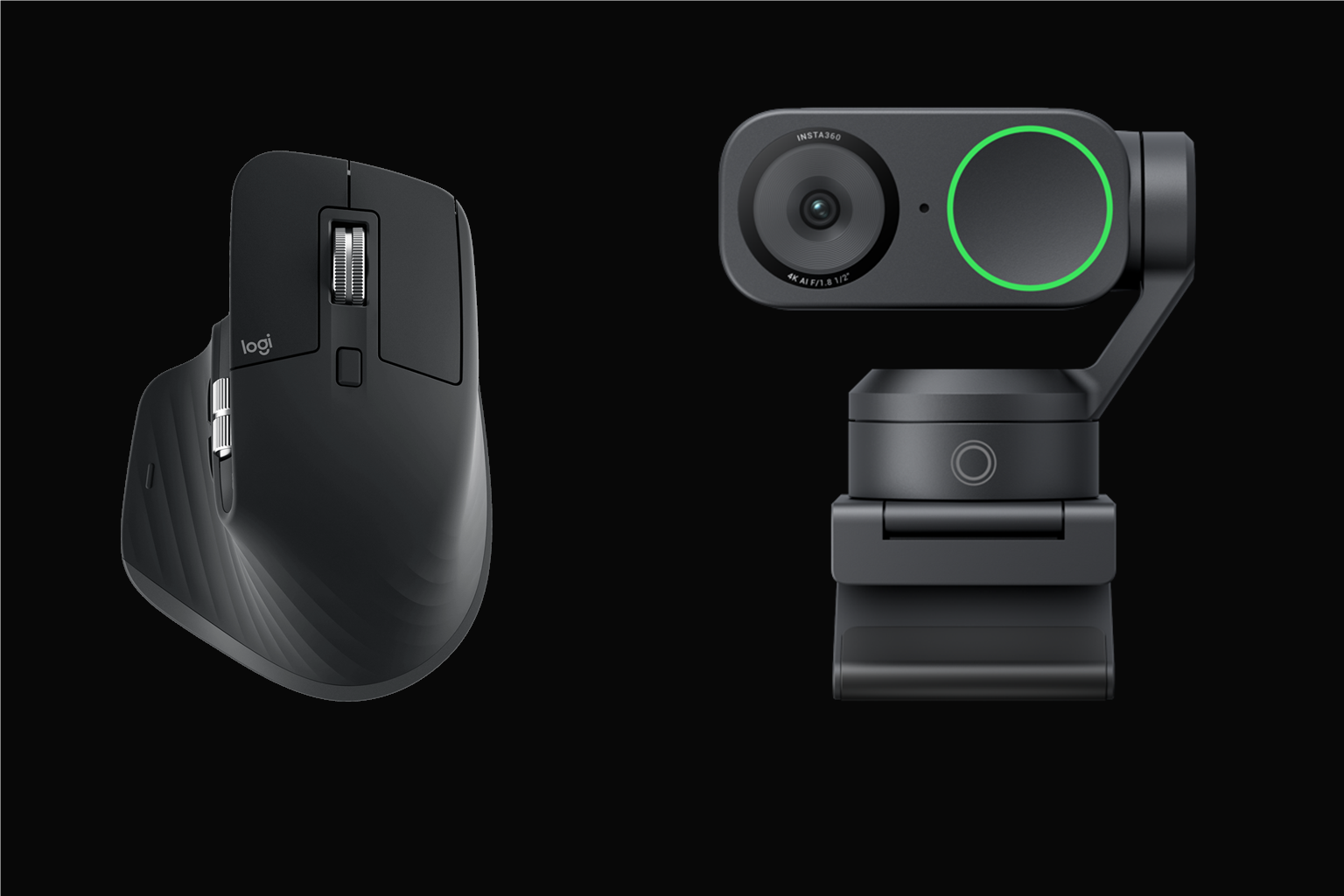
Some upgrades matter because you feel them immediately. Others matter because other people notice the difference first. The MX Master 3S and Insta360 Link 2C cover both sides of that equation very well. One makes the desk smoother to use. The other makes the desk look more clear on screen.
That is why the pairing works better than it sounds at first. It improves both the private experience of work and the public presentation of the workspace.
Buying questions this comparison answers
- Which product should you buy first?
- How do the two products help different parts of the desk?
- Which next click makes the most sense: the review, the guide, or the Amazon listing?
Why this pairing works and where to be careful
What helps
- Each product solves a different setup problem instead of overlapping on the same one.
- You can buy in stages because the Logitech MX Master 3S and Insta360 Link 2C still make sense on their own.
- The pair is easier to justify when your week already includes working long desk days where a cheap mouse starts to feel clumsy or tiring and showing up better on work calls without relying on a fuzzy built-in laptop camera.
What to watch
- Buying both at once is overkill if only one of the two problems keeps showing up.
- Start with the product tied to the friction you notice most often.
- If budget is tight, the pair works better as a staged upgrade than an all-at-once purchase.
Compare the pairing at a glance
The Shortlist
Use these cards to jump straight to the hands-on review, the setup guide, or the live Amazon listing for each product in the pairing.
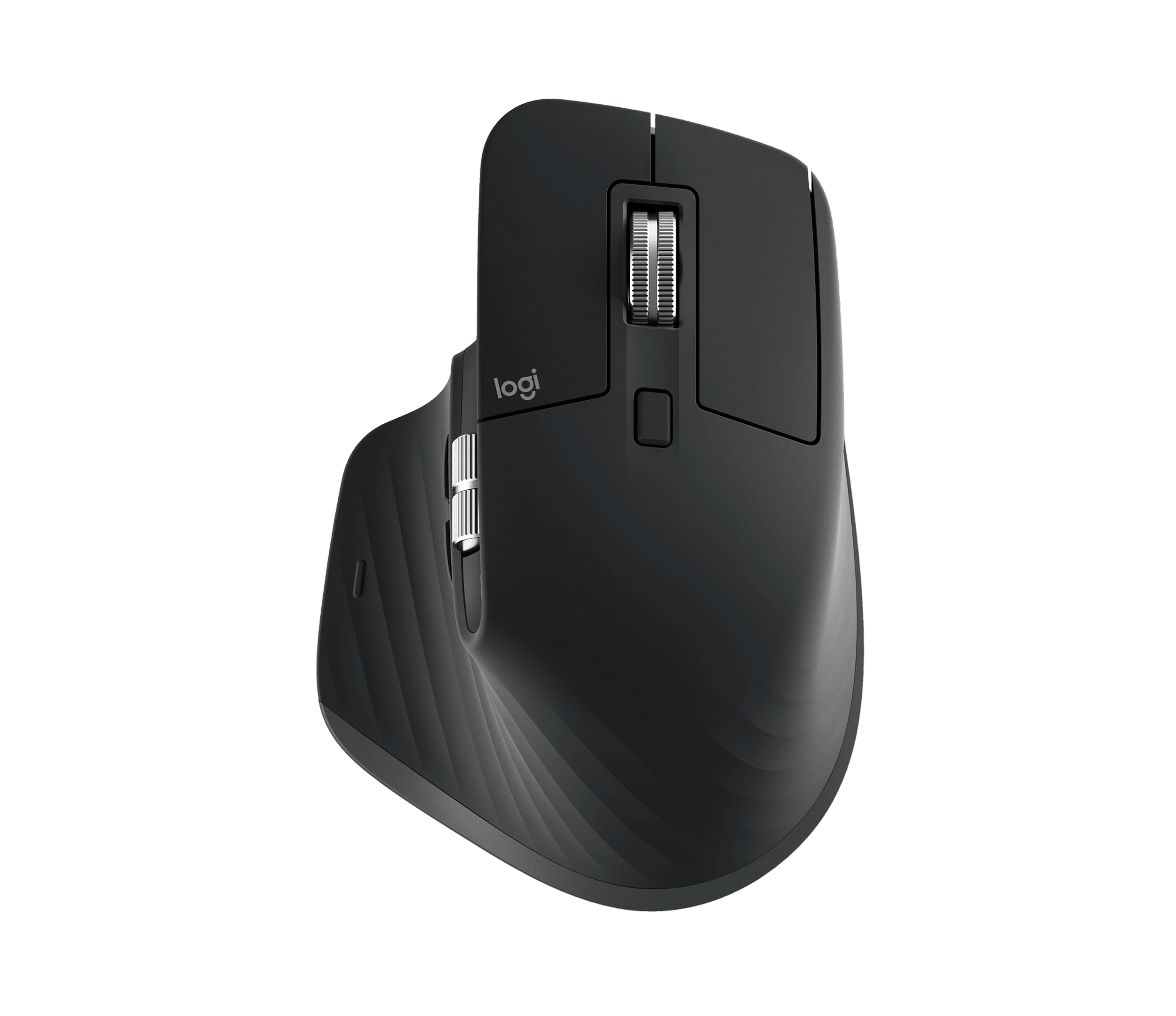
Pick 1
Logitech MX Master 3S
A well-built mouse that makes ordinary desk work feel smoother, calmer, and less interruptive.
Best for: desk workers, writers, multitaskers, editors, and spreadsheet-heavy users
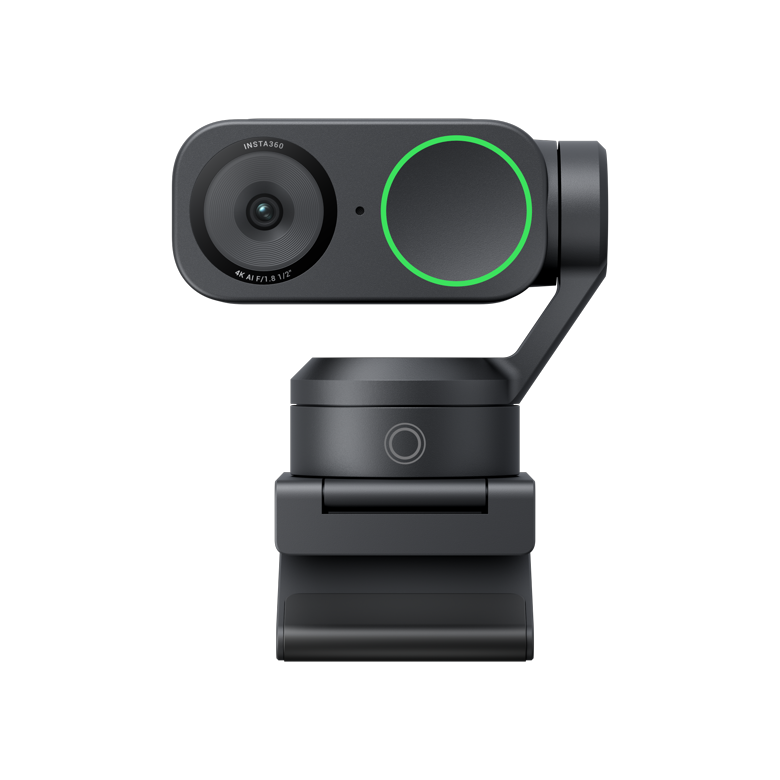
Pick 2
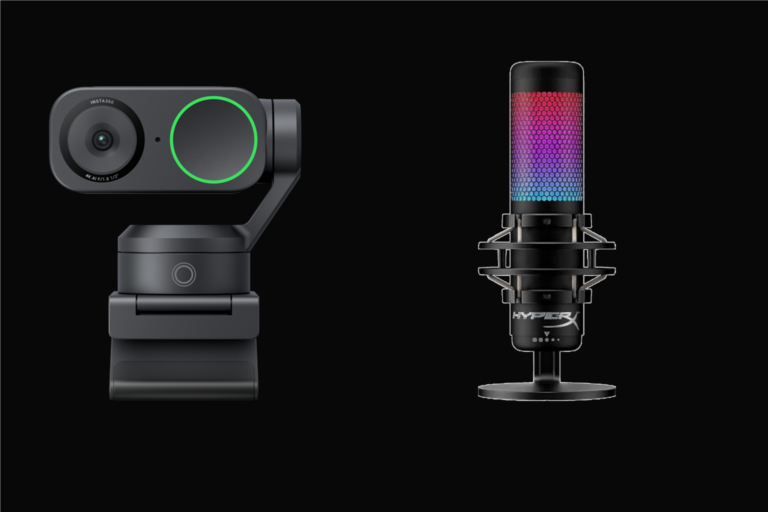
Insta360 Link 2C
A webcam upgrade that helps calls look more well-kept without turning the desk into a camera project.
Best for: remote workers, hybrid workers, coaches, and anyone on camera often
Why This Pairing Works
This is a reassuring pair because both products solve ordinary desk problems instead of chasing flashy novelty. The mouse reduces everyday friction. The webcam improves on-camera presence. Neither one needs to feel overhyped to feel worthwhile.
That usually translates into better long-term satisfaction. The setup keeps helping in daily use rather than only feeling exciting in the first week.
Why This Combination Works Better Than It Sounds
A clear desk is not only about what you see. It is also about how the workday feels while you are inside it. That is why this pairing is useful: it improves both feel and presentation at the same time.
When those two layers improve together, the whole desk tends to feel more professional without becoming more complicated.
Who This Upgrade Makes Sense For
This makes sense for remote workers, client-facing professionals, managers, consultants, and anyone who cares both about comfort during the day and how the workspace shows up on calls.
It is also a good fit for buyers who want meaningful upgrades without turning their desk into a gear collection.
The Mouse Handles the Private Side of Work
The MX Master 3S improves a part of the day no one else sees directly, but you feel constantly. Better scrolling, smoother control, and a calmer overall hand feel can make long desk sessions less jagged.
That kind of improvement is easy to underestimate until it becomes part of the routine. Then the desk simply starts feeling more competent.
The Webcam Handles the Public Side
The Link 2C earns its place because it improves the visual side of work without demanding a whole creator workflow. Cleaner framing and better overall call presence can make meetings feel more deliberate right away.
That is useful because the desk often needs to perform in two directions now: for you and for everyone looking at you.
Together They Raise the Floor of the Whole Setup
The strongest thing about this pair is that it raises the minimum quality of the whole desk. Daily interactions feel smoother, and visible meetings feel more clear.
That is what makes it such an easy Amazon-style recommendation. The value is constant, practical, and spread across the parts of work that keep repeating.
What Usually Feels Better First
The first change you usually feel is the mouse. The first change other people usually notice is the webcam. That split is exactly why the pairing works so well together.
Once both improvements are in place, the whole desk often feels more finished than the sum of the two products suggests.
Why It Keeps Feeling Worth It
The long-term value is that the desk keeps feeling more trustworthy from both sides: comfort during work and professionalism during calls.
That kind of two-layer payoff tends to hold up well because it affects so many repeated moments across the week.
How to Make the Pairing Feel Even Better
This pair gets even better when the rest of the desk stays edited. Cleaner keyboard placement, calmer cable routing, and less visual noise let both upgrades feel more obvious.
The ideal version of this setup is professional because it is composed, not because it is overloaded.
Also Consider
If the desk still feels physically crowded after these two upgrades, a smaller keyboard can help the whole space breathe. And if your audio still feels weak on meetings, a stronger mic can complete the professional feel without undoing the simplicity.
The good part is that this pairing already establishes the right tone for those next decisions.
When This Pairing May Be Too Much
If your mouse already feels great and you are rarely on camera, this may not be the pairing you feel most urgently right now. In that case, solving one sharper frustration first may make more sense.
But if your home office still feels a little rough both in daily use and on calls, this is a very sensible place to spend attention.
Common buying questions
Should you buy the Logitech MX Master 3S or the Insta360 Link 2C first?
Buy the one tied to the problem you feel most often. Start with Logitech MX Master 3S if cheap or cramped mouse setups that make work feel choppy over time is the bigger issue. Start with Insta360 Link 2C if flat, awkward built-in webcam quality that makes calls look less intentional is the bigger issue.
Do these products overlap too much?
No. The pair works because each product solves a different desk problem instead of repeating the same benefit.
Does the pair still make sense if you only buy one now?
Yes. Each product should still stand on its own. The pair simply makes the overall setup easier to understand and easier to improve in stages.
Final Take
The MX Master 3S and Insta360 Link 2C make sense together because they improve both how a home office feels and how it presents you. That is a powerful mix for buyers who want practical polish instead of gimmicks.
If you want a setup that feels smoother in use and more professional on camera, this is a pairing that is easy to recommend with confidence.
Next step
If one of these products looks like the clearer fix, open the live Amazon listing and confirm the current price, bundle details, and recent owner feedback.