PC Cases
Note: This article contains affiliate links.
The Frustration of Subpar Gear
For gamers and professionals who demand top-tier performance, heat is the enemy. A beautiful build is nothing if your components are suffocating inside a case with poor airflow. High-end CPUs and GPUs generate immense heat, and without proper cooling, you’re looking at thermal throttling, reduced performance, and a shorter lifespan for your expensive hardware. The wrong case can turn a dream machine into a frustrating, inefficient mess, forcing you to compromise on your work or gameplay.
The Path to Refined Performance
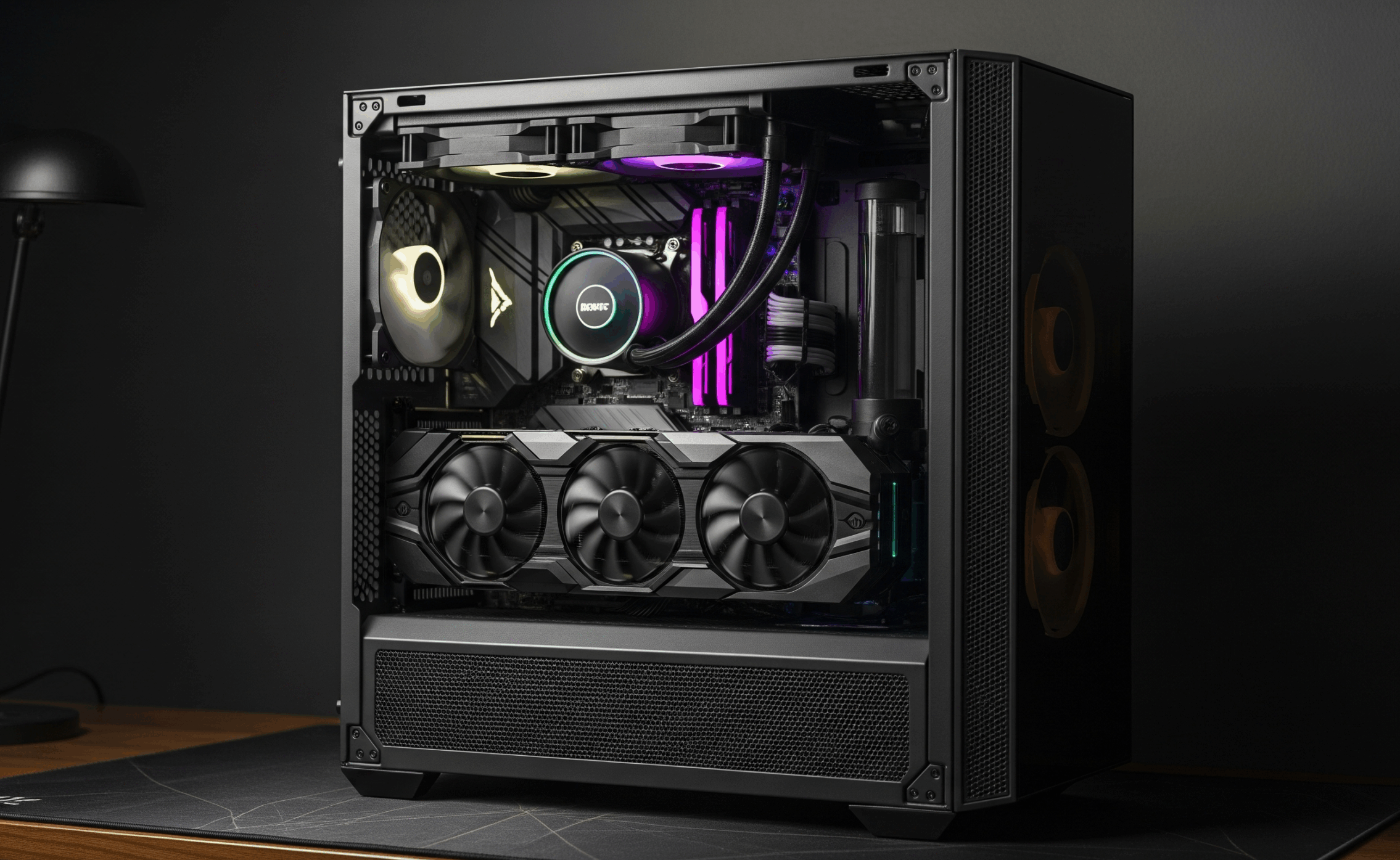
A high-quality PC case is more than just a box for your parts—it’s the foundation of an efficient and productive system. The best cases are meticulously engineered for superior airflow, intuitive cable management, and a clean aesthetic. They provide the space and structure needed to keep your components cool under pressure, allowing them to perform at their peak for hours on end. By choosing a case built for performance and efficiency, you’re not just housing your components; you’re unlocking their full potential. Here are three of the most highly-rated cases that deliver on that promise.
Featured PC Cases
NZXT H7 Flow (2024 Edition) Mid-Tower PC Case
NZXT is known for its clean, minimalist design, but the H7 Flow proves that aesthetics don’t have to compromise on performance. This updated 2024 model features a redesigned interior and a mesh front panel, making it a standout choice for builders who prioritize exceptional cooling and a seamless building experience.
Pros:
- Excellent Airflow: The mesh front panel and support for up to ten fans provide outstanding cooling potential.
- Easy to Build In: A new internal layout with a side-mounted PSU and dedicated cable channels makes for a remarkably smooth build process.
- Plenty of Space: Offers ample room for large GPUs, multiple radiators, and a surprising amount of cable management.
- Clean Aesthetic: The sleek, no-frills design looks professional and refined, fitting into any workspace.
Cons:
- Requires More Fans for Max Performance: While it comes with fans, to fully utilize its cooling potential, you’ll need to add more.
- No Fan Controller: It does not include an integrated fan or RGB controller.
Check Price on Amazon: NZXT H7 Flow – 4.8 out of 5 stars
CORSAIR 4000D Airflow Mid-Tower PC Case
A classic for a reason, the Corsair 4000D Airflow is a favorite among builders for its combination of straightforward design, solid build quality, and, as its name suggests, excellent airflow. It offers a practical and stylish foundation for any high-performance build, keeping your components cool without unnecessary complexity.
Pros:
- Iconic Airflow: The perforated front panel provides a distinctive look while ensuring a steady stream of cool air.
- Solid Build Quality: Made with sturdy materials and features a tempered glass side panel to show off your components.
- Intuitive Cable Management: Features a dedicated cable routing channel with included straps to keep your build looking clean.
- Versatile Cooling: Supports a wide range of fans and radiators for both air and liquid cooling setups.
Cons:
- Sparse I/O: The front I/O panel is minimal, which may be inconvenient for some users.
- Tight Top Radiator Space: Mounting a large radiator at the top can be a tight fit with some motherboard configurations.
Check Price on Amazon: Corsair 4000D Airflow – 4.7 out of 5 stars
Lian Li LANCOOL 216 All-Around Computer Case
The Lian Li LANCOOL 216 is an all-around champion, celebrated for its innovative design and exceptional out-of-the-box performance. With two massive 160mm fans and a dedicated GPU fan bracket, it’s built to deliver incredible thermal results for even the most power-hungry components.
Pros:
- Unmatched Out-of-the-Box Airflow: Comes with two pre-installed 160mm front fans and one 140mm rear fan, providing superior cooling from the moment you open the box.
- Innovative Features: Includes a reversible front I/O panel for convenient access and a rotatable PCIe bracket for vertical GPU mounting.
- Easy to Build: The case has excellent cable management features, including pre-installed velcro straps and clips.
- High Hardware Compatibility: A spacious interior accommodates large CPU coolers, long GPUs, and extensive liquid cooling setups.
Cons:
- Slightly Noisy Fans: The large, high-powered fans can be audible under heavy load.
- Plastic HDD Tray: The 3.5” HDD tray feels less robust than other parts of the case.
Check Price on Amazon: Lian Li LANCOOL 216 – 4.8 out of 5 stars
The Definitive Choice
While all three cases are outstanding, the Lian Li LANCOOL 216 is the clear winner for anyone who wants the best out-of-the-box performance and a wealth of builder-friendly features. Its massive pre-installed fans and thoughtful design innovations set it apart, ensuring your PC runs cool and efficiently without any extra effort. It’s the perfect foundation for a powerful and reliable system, whether for gaming, streaming, or heavy-duty work.
As an Amazon Associate, I earn from qualifying purchases.