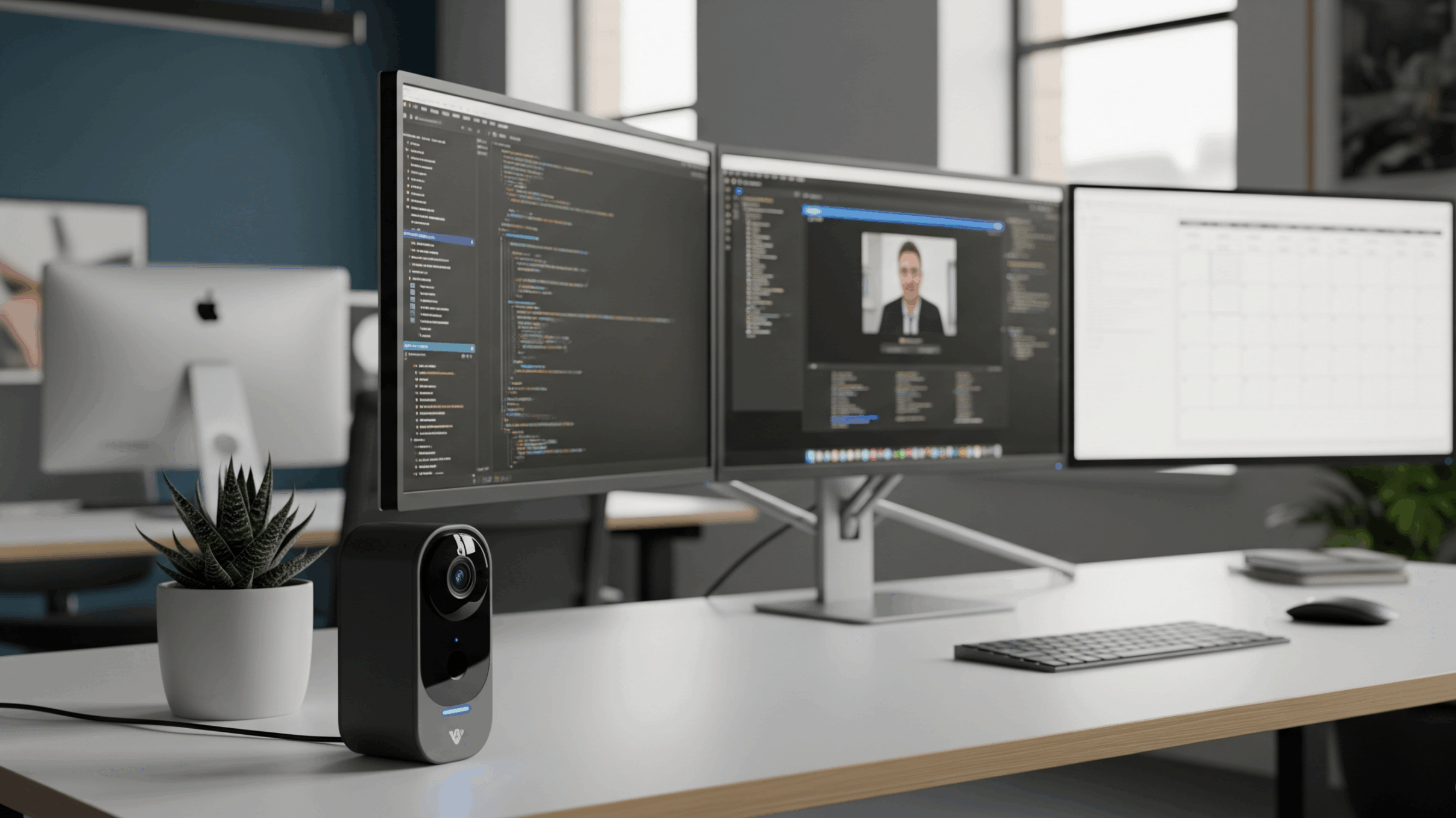
In the world of remote work and streaming, your desk isn’t just a piece of furniture—it’s your command center. It’s home to your valuable equipment, from your high-end PC and multiple monitors to your pro-grade streaming gear. Leaving this setup unattended, even for a short time, can bring a sense of unease. A smart home security camera provides a simple, effective solution to this problem, offering peace of mind by letting you monitor your space from anywhere. It’s about security and the forward-thinking efficiency of always knowing your workspace is safe. We’ve rounded up some of the best-rated smart cameras to help you secure your setup and focus on what matters most.
Blink Mini 2 Indoor/Outdoor Smart Security Camera
The Blink Mini 2 is a compact and powerful camera that delivers a lot of bang for your buck. It’s an ideal choice for anyone looking for a reliable, no-frills security solution. This camera is great for keeping an eye on your indoor space and is now also rated for outdoor use, adding to its versatility.
Pros:
- Affordable Price: Provides essential security features at an accessible price point, making it a great entry-level option.
- Weather Resistant: Now rated for indoor and outdoor use, giving you more placement options.
- Compact and Discreet: Its small size allows it to blend into the background of your office without being obtrusive.
- Easy to Use: Simple setup and seamless integration with Amazon Alexa for voice commands.
Cons:
- Subscription Required: To access features like cloud storage and person detection, you need a Blink subscription.
- Wired Power: Unlike some other Blink models, this one requires a power cord, limiting its placement to areas near an outlet.
Customer Rating: 4.5 out of 5 stars
Arlo Pro 5S 2K Spotlight Camera
For those who want a premium, feature-packed camera, the Arlo Pro 5S is the answer. It offers a level of clarity and control that goes beyond the basics, with a stunning 2K HDR video and advanced motion detection. Its wire-free design and powerful spotlight make it a top-tier choice for comprehensive security.
Pros:
- Superior Video Quality: The 2K HDR video captures crisp, clear details, and the 160-degree field of view covers a wide area.
- Integrated Spotlight: The built-in spotlight illuminates your space for clear color night vision and acts as a deterrent.
- Wireless Freedom: The battery-powered, wire-free design means you can place it anywhere you need without hassle.
- Dual-Band Wi-Fi: Connects to both 2.4 GHz and 5 GHz networks for a more reliable connection.
Cons:
- Higher Price Point: This is a more significant investment compared to budget options.
- Subscription-Dependent: Full access to features like smart object detection requires an Arlo Secure plan.
Customer Rating: 4.1 out of 5 stars
Google Nest Cam (Indoor, Wired)
If you’re already using Google products, the Nest Cam is the natural choice for a cohesive smart home experience. It’s a beautifully designed camera that provides intelligent alerts right out of the box, making it easy to know exactly what’s happening in your office space.
Pros:
- Intelligent Alerts: Can distinguish between people, animals, and vehicles without a subscription, providing smarter notifications.
- Sleek Design: Modern and minimalist design looks great in any workspace and is highly adjustable.
- Seamless Google Integration: Works effortlessly with other Google Home devices and the Google Home app for centralized control.
- High-Quality Video: Delivers sharp 1080p video with an excellent field of view.
Cons:
- Requires a Google Account: You must have a Google account to use the camera, which may not be ideal for some users.
- Wired Connection Only: Like the Blink Mini 2, this camera requires a power cable, which can limit placement options.
Customer Rating: 4.5 out of 5 stars
Wyze Cam v4
The Wyze Cam v4 is proof that you don’t have to spend a fortune to get advanced security features. It’s an incredible value, offering 2K QHD video, color night vision, and a built-in spotlight—features typically found on more expensive cameras—all in a compact, affordable package.
Pros:
- Exceptional Value: Delivers a huge amount of features for its low price point, making it the top budget pick.
- 2K QHD Video: Provides superior image clarity compared to standard 1080p cameras.
- Color Night Vision: The Starlight Sensor and built-in spotlight provide clear, full-color video even in low light.
- Versatile Use: Can be used indoors or outdoors and offers both local and cloud storage options.
Cons:
- Subscription for Advanced Features: While it has great features, a Wyze Cam Plus subscription is needed to unlock its full potential.
- Connectivity Issues: Some users have reported occasional connectivity issues with the Wyze ecosystem.
Customer Rating: 4.4 out of 5 stars
Synopsis: Our Top Pick
A smart camera is an essential part of a modern, efficient workspace. While all of these cameras offer excellent protection, the Blink Mini 2 Indoor/Outdoor Smart Security Camera is the best all-around choice. Its combination of affordability, ease of use, and versatile indoor/outdoor rating provides a practical and reliable solution for securing your office without breaking the bank. It’s the perfect balance of forward-thinking tech and pure value.
As an Amazon Associate, I earn from qualifying purchases.