Note: This article contains affiliate links.
The Frustration of a Scattered Workflow
Ever find yourself in the middle of a stream, fumbling through keyboard shortcuts or frantically clicking between apps just to switch scenes or adjust audio levels? For gamers, streamers, and remote workers, a chaotic workflow isn’t just an annoyance—it’s a major productivity killer. It breaks your focus, slows you down, and detracts from the quality of your content or your professional presence. Relying on a patchwork of hotkeys and mouse clicks can feel like navigating a storm in a leaky boat.
The Path to Refined Performance
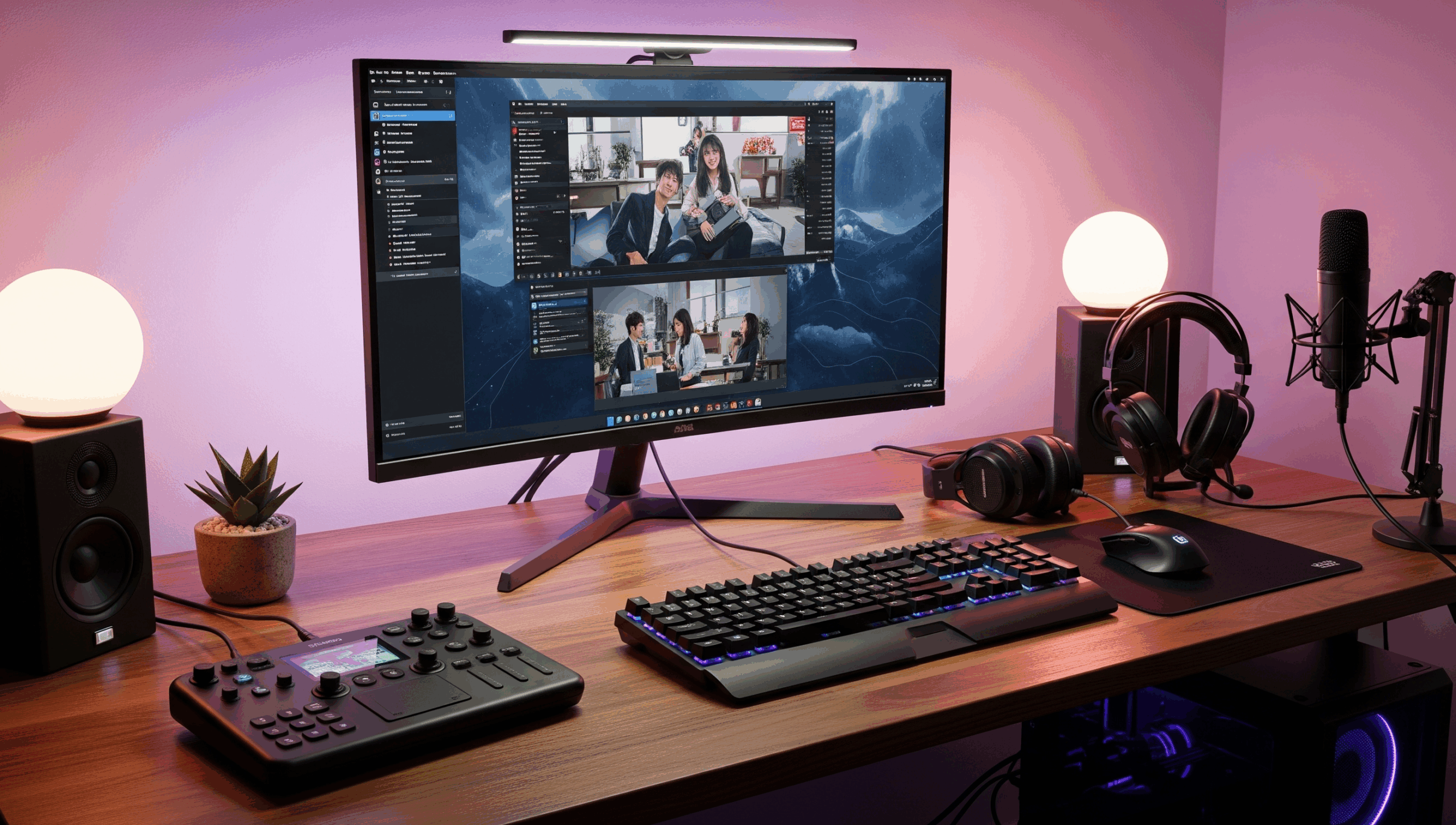
The solution is a centralized control hub. A high-quality stream controller is designed to put all your essential commands at your fingertips, transforming complex, multi-step tasks into a single button press. This streamlined approach allows you to focus on your main task, whether that’s engaging with your audience, focusing on a critical gaming moment, or presenting on a video call. By integrating with your most-used applications, a stream controller elevates your efficiency and ensures every action is smooth and effortless.
Top Stream Controllers in 2025
Loupedeck Live S
Discover how this compact and versatile controller brings a new level of precision to your creative and streaming workflow.
Pros:
- Slim and sleek design with a small footprint.
- Combines a touchscreen with physical dials for versatile control.
- Haptic feedback on the touchscreen provides a satisfying feel.
- Strong native integrations with productivity and creative software.
Cons:
- Software can be complex and intimidating for some users.
- The included stand is a bit flimsy.
Elgato Stream Deck XL
Unleash unparalleled control over your entire production with this powerhouse featuring 32 programmable LCD keys.
Pros:
- A massive 32 buttons for the most complex setups.
- Seamless integration with OBS, Zoom, and other apps.
- Instant visual feedback on each key.
- Solid, durable build quality for daily use.
Cons:
- Overkill for many casual streamers or remote workers.
- Higher price point due to the large number of keys.
Razer Stream Controller X
Discover how this Razer controller offers an alternative that’s built to last with satisfying tactile feedback.
Pros:
- Tactile, bright LCD buttons with a satisfying feel.
- Sturdy magnetic stand that keeps the controller in place.
- Powerful software with pre-loaded profiles for quick setup.
- Excellent build quality and design.
Cons:
- Dedicated navigation buttons cannot be reprogrammed.
- Cable placement on the stand can cause stress.
Elgato Stream Deck MK.2
Experience the industry standard in a new form factor with this powerful and highly customizable control interface.
Pros:
- Very customizable with a vast library of plugins.
- Perfect for both streamers and productivity tasks.
- Detachable USB-C cable for easy setup.
- Swappable faceplate for personalization.
Cons:
- Buttons can feel a bit “mushy” compared to some competitors.
- May have occasional visual glitches.
Elgato Stream Deck+
Unlock a new dimension of control with this device that blends keys, dials, and a touch strip for the ultimate personalized workflow.
Pros:
- Combines LCD keys with tactile dials for superior control.
- Touch strip allows for quick and intuitive adjustments.
- Robust build quality and sleek design.
- Powerful software ecosystem with a rich marketplace of plugins.
Cons:
- Fewer keys than the standard Stream Deck.
- Premium price for the added features.
Making Your Selection
Each of these controllers offers a path to a more efficient setup. The Elgato Stream Deck MK.2 and Razer Stream Controller X are fantastic choices for their core functionality and ease of use. However, for those who want the absolute most out of their device, blending both granular control and quick-action buttons, the **Elgato Stream Deck+** is the definitive choice. Its combination of LCD keys, tactile dials, and a dynamic touch strip provides an unparalleled level of versatility and control, making it the top pick for serious streamers and creative professionals alike.
As an Amazon Associate, I earn from qualifying purchases.