Skip to content

Desk And Stream

Level up your setup

Primary Menu
  • Home
  • Articles
  • Reviews
  • Guides
  • Home
  • Guides
  • Insta360 Link 2C Setup Guide: Better Video Calls and a Cleaner Desk Camera Setup
  • Guides

Insta360 Link 2C Setup Guide: Better Video Calls and a Cleaner Desk Camera Setup

A practical Insta360 Link 2C setup guide for sharper video calls, cleaner framing, and a more polished desk setup.
Published: April 13, 2026 | Updated: April 13, 2026 2 min read
11 views
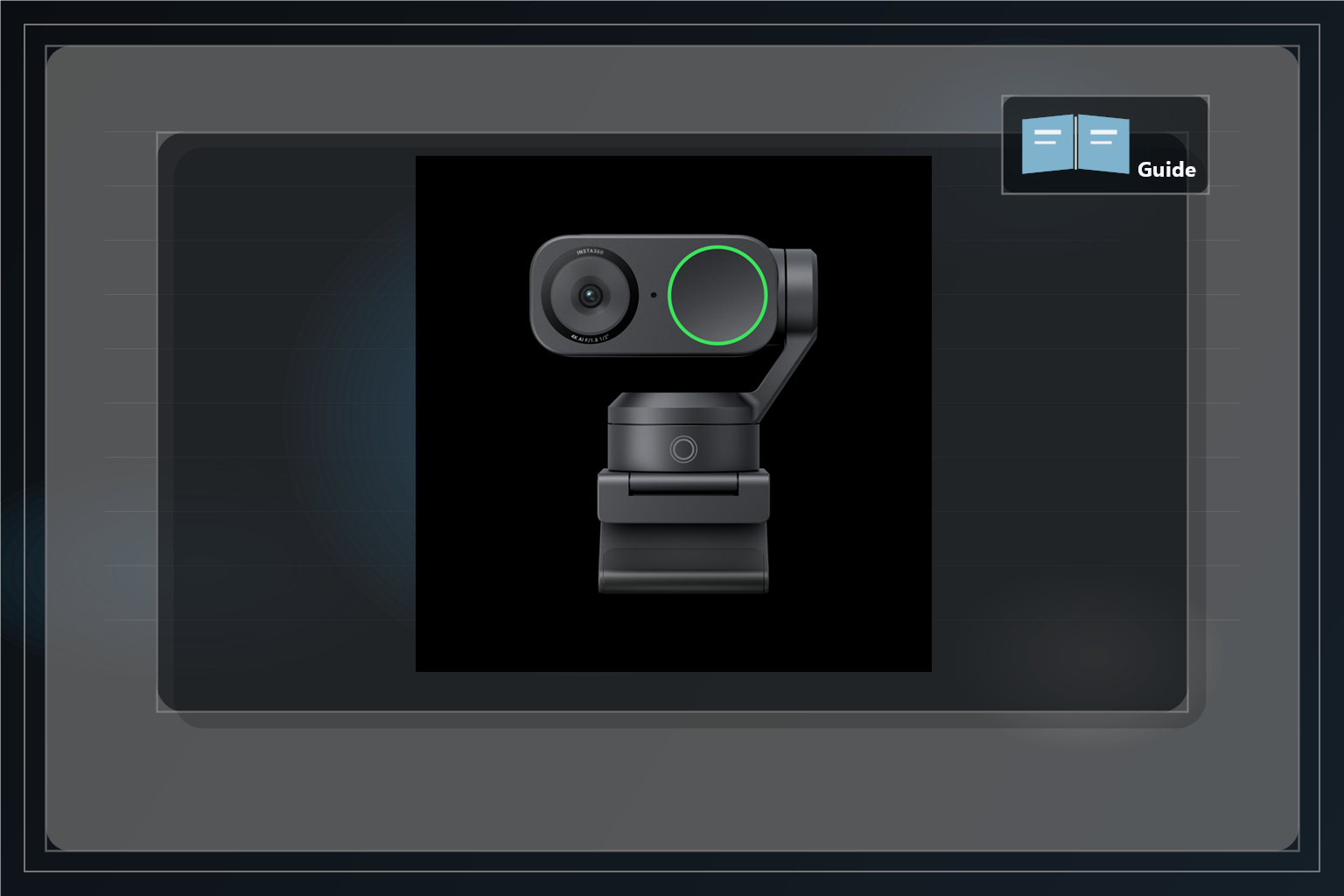
insta360-link-2c-guide-cover-v6

Disclosure: As an Amazon Associate, we may earn from qualifying purchases.

The Insta360 Link 2C is the kind of webcam upgrade that can make a desk setup feel better almost immediately, but it looks best when the rest of the setup helps it out. A little attention to framing, light, and placement usually matters more than endlessly toggling settings.

Check the Insta360 Link 2C on Amazon

Why This Can Feel Like a Safer Buy

That is good news if you want a webcam that feels easy to succeed with. A setup guide should make the product feel more approachable, not more technical. The Link 2C rewards small practical adjustments, which makes it easier to buy with confidence if you already know your built-in camera is holding the whole desk back.

Start With Framing, Not Fancy Features

The first win is simply getting the camera to sit at a flattering height and angle. Keep it close to eye level, avoid looking up from below, and let the frame feel intentional instead of accidental. That alone makes calls and recordings look more polished.

Fix Light Before You Blame the Webcam

Even a strong webcam looks worse in flat or uneven light. If your face is dim and the background is bright, the result usually feels cheaper than the camera really is. A small desk light, a window at an angle, or softer front light can make the Link 2C feel much more expensive without adding much complexity.

Use the Smart Features Sparingly

Auto framing and DeskView are useful because they solve real workflow problems, but they work best when the setup stays simple. Let the camera help where it genuinely saves time, then stop there. The more the webcam quietly handles the basics, the more premium the whole setup feels.

Also Consider

If your current issue is really poor desk lighting rather than weak camera hardware, a small light may matter just as much as the webcam itself. But if you already know the camera is the weak link, the review here gives the broader buying case: https://deskandstream.com/the-webcam-upgrade-your-desk-setup-actually-needs-insta360-link-2c-review/

Final Take

The Insta360 Link 2C is easier to feel good about when you remember the goal is not a studio. The goal is cleaner calls, sharper framing, and a desk setup that looks more intentional every time the camera turns on. A few setup tweaks are usually all it takes to get there.

See the Insta360 Link 2C on Amazon
About the Author

code ex

Administrator

View All Posts
  • Guides

Post navigation

Previous: Shure MV7 vs HyperX QuadCast: Which USB Mic Fits Your Desk Setup in 2026?
Next: MacBook Air M4 Setup Guide: A Cleaner Remote Work and Creator Laptop Setup

Related Stories

macbook-air-guide-cover-v5
  • Guides

MacBook Air M4 Setup Guide: A Cleaner Remote Work and Creator Laptop Setup

April 14, 2026 15
shure-mv7-guide-cover-v8
  • Guides

Shure MV7 Setup Guide: Better Desk Audio for Streaming and Calls

April 14, 2026 14
hyperx-quadcast-guide-cover-v6
  • Guides

HyperX QuadCast Setup Guide: Cleaner USB Mic Audio for Beginners

April 14, 2026 24
cable management
  • Guides

Master Your Cables: A Step-by-Step Guide to Installing an Under Desk Cable Management

July 28, 2025 172
Steamdeck
  • Guides

How to Master Your Steam Deck: Downloads, Data Backups, and Storage Expansion

July 23, 2025 154
monitor gpu
  • Guides

Perfect Harmony: The Ultimate Monitor & GPU Pairings for Every Resolution

July 23, 2025 132

Trending Now

Shure MV7 and Insta360 Link 2C: The Two Desk Upgrades That Make Calls Feel Instantly Better shure-mv7-and-insta360-call-upgrade-cover-v1 1

Shure MV7 and Insta360 Link 2C: The Two Desk Upgrades That Make Calls Feel Instantly Better

April 18, 2026
Insta360 Link 2C vs Your Laptop Webcam: What Actually Changes on Calls insta360-link-2c-vs-built-in-webcam-cover-v1 2

Insta360 Link 2C vs Your Laptop Webcam: What Actually Changes on Calls

April 18, 2026
MacBook Air M4 and Insta360 Link 2C: Two Desk Upgrades That Make Remote Work Feel More Polished macbook-air-and-insta360-article-cover-v5 3

MacBook Air M4 and Insta360 Link 2C: Two Desk Upgrades That Make Remote Work Feel More Polished

April 14, 2026
MacBook Air M4 Setup Guide: A Cleaner Remote Work and Creator Laptop Setup macbook-air-guide-cover-v5 4

MacBook Air M4 Setup Guide: A Cleaner Remote Work and Creator Laptop Setup

April 14, 2026

You may have missed

shure-mv7-and-insta360-call-upgrade-cover-v1
  • Article

Shure MV7 and Insta360 Link 2C: The Two Desk Upgrades That Make Calls Feel Instantly Better

April 18, 2026 4
insta360-link-2c-vs-built-in-webcam-cover-v1
  • Article

Insta360 Link 2C vs Your Laptop Webcam: What Actually Changes on Calls

April 18, 2026 9
macbook-air-and-insta360-article-cover-v5
  • Article

MacBook Air M4 and Insta360 Link 2C: Two Desk Upgrades That Make Remote Work Feel More Polished

April 14, 2026 16
macbook-air-guide-cover-v5
  • Guides

MacBook Air M4 Setup Guide: A Cleaner Remote Work and Creator Laptop Setup

April 14, 2026 15
  • Terms Of Service
  • Privacy Policy
Copyright © 2026 All rights reserved.