Note: This article contains affiliate links.
Clear Up Your Stream
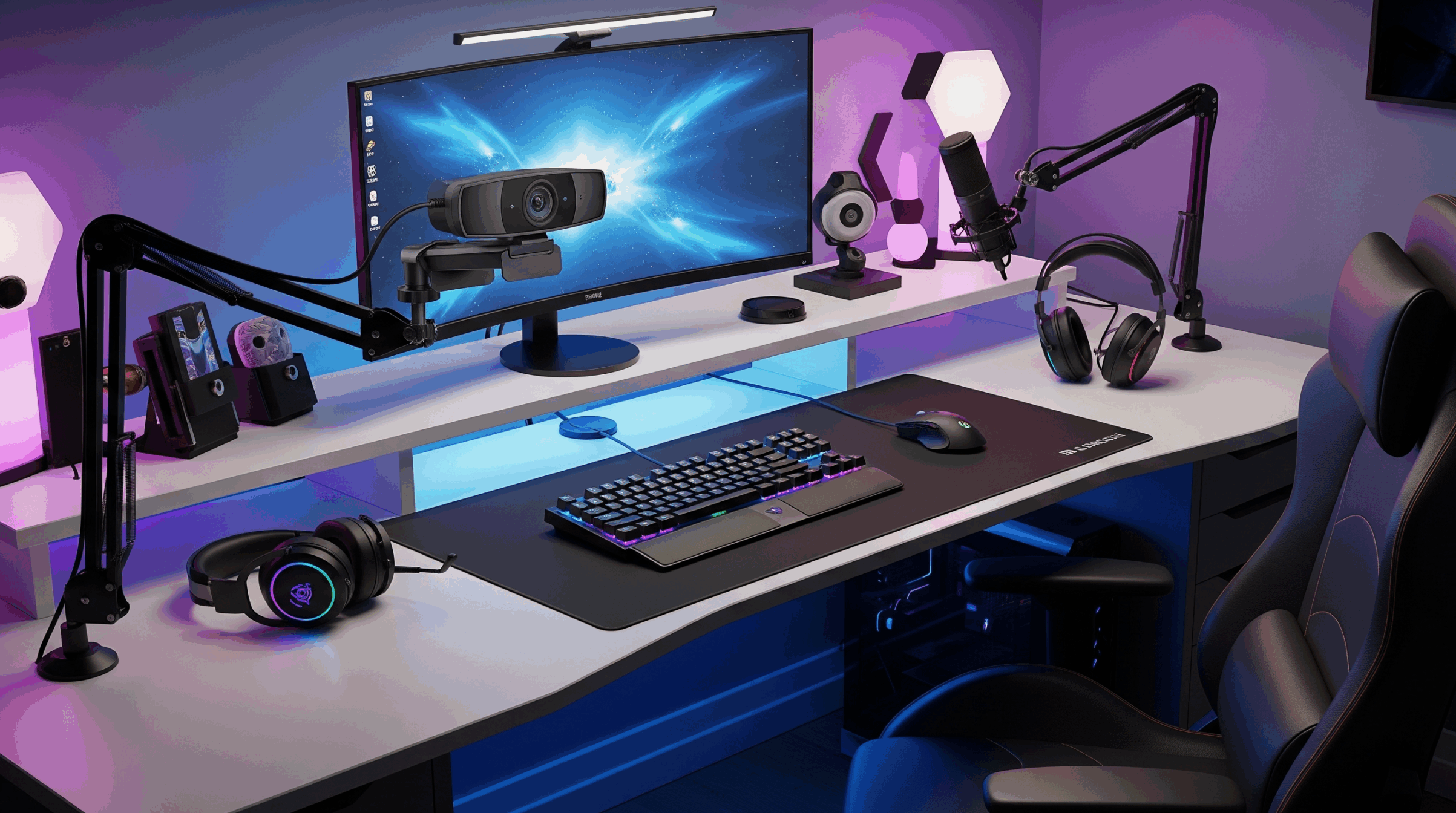
You’ve got the high-end gaming PC, the multi-monitor setup, and the mechanical keyboard that clacks just right. But when you join a meeting or fire up your stream, your video looks… flat. Grainy. A little blurry, maybe. The built-in laptop camera or an old, cheap webcam just isn’t cutting it. It’s a common issue: your gear performs at a pro level, but your visual presence is stuck in the past. This isn’t just about looking good; it’s about projecting professionalism and engaging with your audience without distractions. The right camera can elevate your entire setup from an amateur workspace to a legitimate command center.
Look Like a Pro
The solution is simple: invest in a webcam built for your purpose. The latest generation of webcams offers advanced sensors, sharp optics, and powerful software that automatically adjust to your environment. They deliver crystal-clear video that makes you stand out on conference calls and keeps your viewers engaged. Upgrading your camera isn’t just a purchase; it’s a strategic move to optimize your digital presence, ensuring you look your best whether you’re closing a deal or pulling off a clutch play.
Featured Webcams for 2025
Elgato Facecam Pro
Designed for professional streamers and serious content creators, the Elgato Facecam Pro is a powerhouse that delivers uncompressed, cinematic quality. Its massive lens and advanced sensor capture every detail with stunning accuracy, letting you stream in true 4K60fps—the gold standard for a smooth, high-quality broadcast. Forget blurry video; this camera provides a sharp, pro-level image that will make you look like you’re in a studio.
Pros:
- True 4K60fps video for exceptional clarity.
- Uncompressed video output for pristine quality.
- Advanced image signal processor and powerful software.
- Fixed focus for consistent, sharp video.
Cons:
- No built-in microphone.
- Premium price point.
Insta360 Link
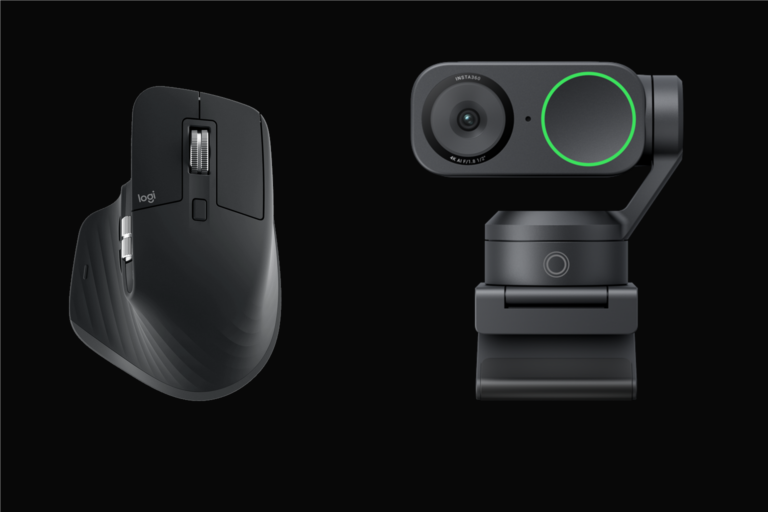
For the creator on the move, the Insta360 Link is a game-changer. This webcam features a motorized gimbal and powerful AI tracking that automatically follows your movements, ensuring you stay perfectly framed no matter where you are. It’s perfect for presentations where you stand up, product demonstrations, or simply adding a dynamic element to your stream. The 4K resolution and high-end sensor make it more than just a novelty; it’s a serious tool for productivity and content.
Pros:
- AI-powered gimbal for intelligent tracking.
- Multiple modes like overhead, whiteboard, and portrait.
- Sharp 4K video quality with a large sensor.
- Hand gesture controls for added convenience.
Cons:
- Gimbal movement can sometimes be distracting.
- Higher price point than traditional webcams.
Razer Kiyo Pro Ultra
Take your video quality to a new level with the Razer Kiyo Pro Ultra. This webcam is built for creators who demand a professional-grade image without the complexity of a DSLR. It features a massive sensor that captures stunning detail and excels in low-light conditions, creating a natural background blur that makes you pop on screen. It’s the perfect blend of a webcam’s ease of use and a camera’s high-quality output.
Pros:
- Large 1/1.2-inch sensor for exceptional low-light performance.
- Natural background blur (bokeh) effect.
- Uncompressed 4K video for maximum fidelity.
- Excellent dynamic range.
Cons:
- No built-in ring light like its predecessor.
- Synapse software is required for full control on Windows.
Logitech HD Pro Webcam C920
Sometimes, the best choice is the one that simply works, and works well. The Logitech C920 is a modern classic for a reason. It delivers crisp, reliable 1080p video with solid autofocus and a dual stereo microphone setup. While it may not have all the bells and whistles of its newer rivals, its performance-to-price ratio is unmatched. For anyone who needs a dependable, high-quality camera for daily video calls without breaking the bank, this is the definitive answer.
Pros:
- Excellent value for its price.
- Dependable and consistent 1080p video quality.
- Dual microphone setup for clear audio.
- Widespread compatibility across platforms.
Cons:
- Lacks 4K resolution.
- Older model, may not have all modern features.
Logitech MX Brio
Meet the new gold standard for professional webcams. The Logitech MX Brio is a true flagship, designed to deliver exceptional 4K video quality with a focus on simplicity and ease of use. It features a larger sensor that captures more light, producing vibrant, high-fidelity video even in less-than-ideal lighting conditions. It’s the perfect camera for remote professionals and streamers who want a premium, seamless experience without fussing with complex settings.
Pros:
- Exceptional 4K resolution and clarity.
- Larger sensor for excellent low-light performance.
- Integrated privacy shutter and easy-to-use controls.
- Show Mode for easily presenting physical objects on your desk.
Cons:
- Requires a USB-C cable for optimal performance.
- No Windows Hello support.
The Definitive Choice
Each of these webcams offers a significant upgrade over a standard built-in camera, but when it comes to the best all-around option for streamers, remote workers, and gamers, the Logitech MX Brio stands out. It’s the perfect fusion of professional-grade 4K quality, intuitive design, and forward-thinking features like Show Mode, making it the top choice for elevating your digital presence to a new level of productivity and style.
As an Amazon Associate, I earn from qualifying purchases.