Skip to content

Desk And Stream

Level up your setup

Primary Menu
  • Home
  • Articles
  • Reviews
  • Guides
  • Home
  • Guides
  • MX Master 3S Setup Guide: The Easy Mouse Tweaks That Make Work Feel Smoother
  • Guides

MX Master 3S Setup Guide: The Easy Mouse Tweaks That Make Work Feel Smoother

A practical MX Master 3S setup guide for cleaner mouse placement, better comfort, and a desk that feels easier to work at every day.
June 5, 2026 3 min read
57 views
mx-master-3s-setup-guide-cover-v1

Disclosure: As an Amazon Associate, we may earn from qualifying purchases.

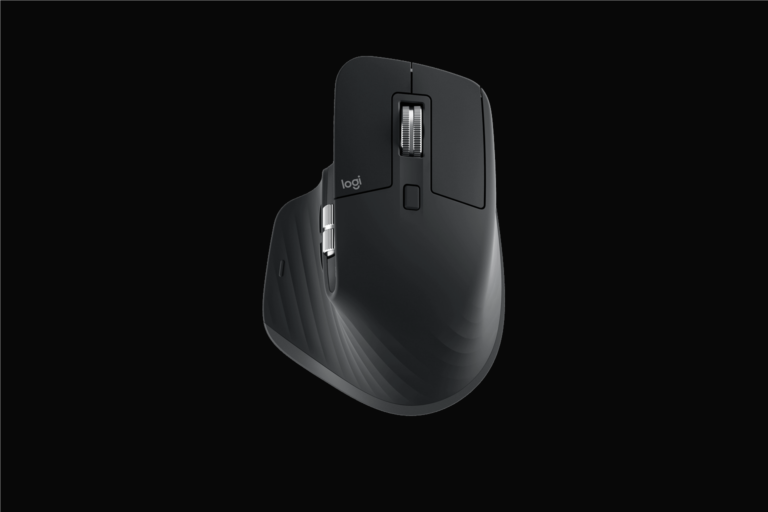
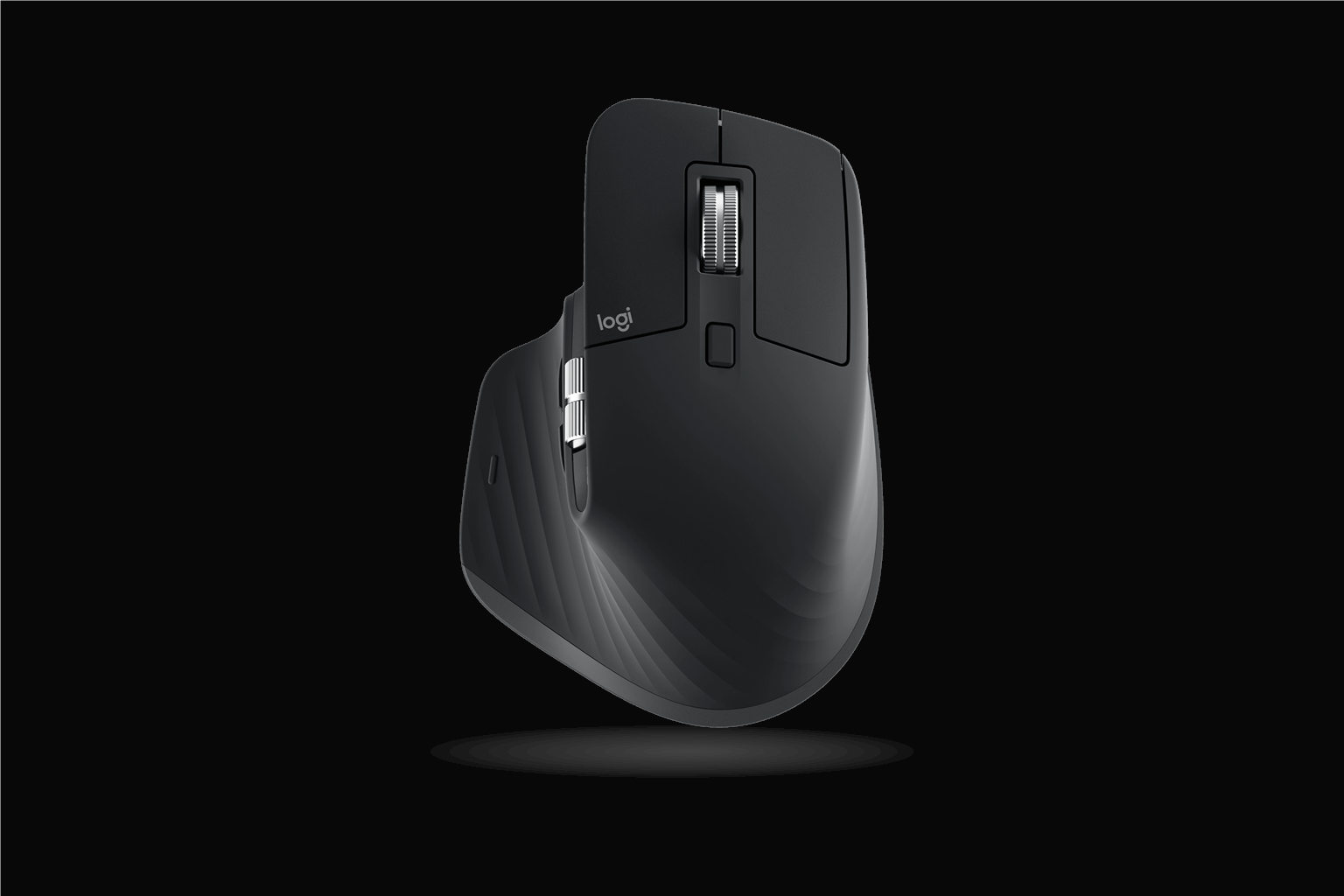
A premium mouse feels best when the setup around it stops getting in the way. The MX Master 3S already brings comfort and control to the table, but a few simple layout choices make it easier to feel why people keep defending the price.

That is useful because the real value of a mouse like this is not hidden in settings menus. It shows up in how easy the desk feels to move through all day.

Check the MX Master 3S on Amazon

Why This Can Feel Like a Safer Buy

This is the kind of setup guide that helps a product feel more worthwhile, not more technical. The MX Master 3S does not need a complicated workflow to justify itself. It just benefits from a cleaner desk position, better hand reach, and a setup that lets the shape do its job.

That is good news for buyers who want a low-fuss upgrade. A few small adjustments can make a premium mouse feel even more obviously worth it.

Who This Guide Is For

This guide fits people who already know they spend a lot of time on a mouse and want the desk to feel less awkward by the end of the day. It is especially useful for multitaskers, writers, spreadsheet-heavy users, and remote workers living inside normal desktop apps.

It also makes sense for buyers who want the premium feel to show up in real comfort, not just in product marketing.

Keep the Mouse Close to the Center of Work

One of the easiest mistakes on a desk is pushing the mouse too far out to the side because the keyboard or laptop takes over the middle. That small reach gets old quickly. Give the mouse room to stay close and the whole setup feels less strained.

This matters even more with a premium ergonomic mouse because the shape is designed to help you settle in, not keep reaching outward all day.

Give the Scroll and Gesture Work Some Space

A better mouse shows its value when you actually let it work. If the desk is crowded or the pad area is cramped, you lose a lot of the smoothness that makes the MX Master 3S feel special.

A little clear space around the mouse can make scrolling, switching, and longer work sessions feel much calmer.

Treat Comfort as Part of Desk Design

The biggest win here is often not speed. It is comfort. A mouse that fits the hand well starts to feel even better when the arm, keyboard, and desk spacing all support it.

That is why setup matters. You are not just placing a mouse. You are shaping the part of the desk you physically use all day.

Why It Keeps Feeling Worthwhile

The repeated benefit is that the desk feels smoother in small ways every hour. Less awkward reach, less unnecessary movement, and better overall flow can quietly make work feel less tiring.

That is the kind of improvement people usually keep appreciating long after the product stops feeling new.

Also Consider

If your current mouse already feels perfect and your desk is comfortable, this may not need to be your next purchase. But if the desk feels slightly clumsy all day, that friction adds up fast.

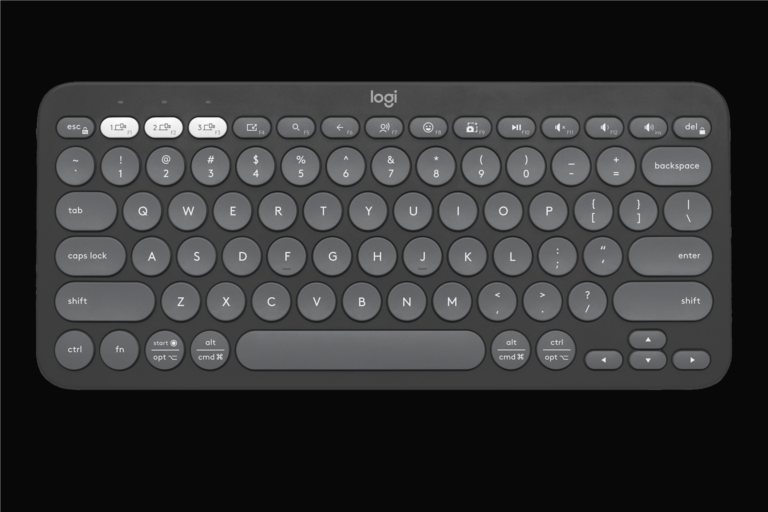
And if you want the cleaner layout to show up visually too, a smaller keyboard can make the mouse upgrade feel even more obvious.

Final Take

The MX Master 3S setup is really about letting a premium mouse feel as easy as it should. A little more space and a little better positioning go a long way.

If you want a smoother desk without adding complexity, this is the kind of guide that helps the upgrade make immediate sense.

See the MX Master 3S on Amazon
About the Author

code ex

Administrator

View All Posts
  • Guides

Post navigation

Previous: Logitech MX Keys Mini Review: The Compact Keyboard That Makes Small Desks Feel Better
Next: MacBook Air M4 and MX Master 3S: A Cleaner Remote Work Pairing That Feels Instantly Easier

Related Stories

anker-555-usb-c-hub-guide-calmer-workflow-with-samsung-t7-shield-cover-v1
  • Guides

Anker 555 USB-C Hub Guide: How to Dock a Laptop Without Cable Clutter with Samsung T7 Shield Portable SSD

June 21, 2026 69
rode-nt-usb-mini-guide-cleaner-calls-with-lift-vertical-cover-v1
  • Guides

RODE NT-USB Mini Guide: How to Set It Up for Better Calls and Clearer Voice

June 20, 2026 65
pebble-keys-2-guide-calmer-workflow-with-crucial-x9-pro-cover-v1
  • Guides

Logitech Pebble Keys 2 K380s Guide: How to Set It Up on a Small Desk Without Cramping the Space with Crucial X9 Pro

June 21, 2026 65
macbook-air-m4-guide-cleaner-calls-with-benq-screenbar-halo-cover-v1
  • Guides

MacBook Air M4 Guide: How to Keep the Setup Clean and Easy to Use

June 20, 2026 69
mx-master-3s-guide-calmer-workflow-with-anker-555-usb-c-hub-cover-v1
  • Guides

Logitech MX Master 3S Guide: How to Set It Up for Better All-Day Desk Work with Anker 555 USB-C Hub

June 21, 2026 86
pebble-keys-2-guide-cleaner-calls-with-rode-nt-usb-mini-cover-v1
  • Guides

Logitech Pebble Keys 2 K380s Guide: How to Set It Up on a Small Desk Without Cramping the Space with RODE NT-USB Mini

June 21, 2026 78

Trending Now

Elgato Stream Deck MK.2 Review: A Cleaner Way to Run Scenes and Shortcuts with Keychron K2 HE elgato-stream-deck-mk2-review-stream-ready-with-keychron-k2-he-cover-v1 1

Elgato Stream Deck MK.2 Review: A Cleaner Way to Run Scenes and Shortcuts with Keychron K2 HE

June 28, 2026
SteelSeries Arctis Nova 5 + 8BitDo Ultimate 2 Wireless for Multi-Platform Play steelseries-arctis-nova-5-and-eightbitdo-ultimate-2-wireless-article-multi-platform-play-cover-v1 2

SteelSeries Arctis Nova 5 + 8BitDo Ultimate 2 Wireless for Multi-Platform Play

June 27, 2026
Shure MV7 and MX Keys Mini: Better Audio and Smoother Desk Work for Calmer Work shure-mv7-and-mx-keys-mini-article-calmer-workflow-cover-v1 3

Shure MV7 and MX Keys Mini: Better Audio and Smoother Desk Work for Calmer Work

June 27, 2026
Brio 500 and BenQ ScreenBar Halo: Better Calls and Better Desk Light for Small Desks brio-500-and-benq-screenbar-halo-article-small-desk-cover-v1 4

Brio 500 and BenQ ScreenBar Halo: Better Calls and Better Desk Light for Small Desks

June 27, 2026

You may have missed

elgato-stream-deck-mk2-review-stream-ready-with-keychron-k2-he-cover-v1
  • Review

Elgato Stream Deck MK.2 Review: A Cleaner Way to Run Scenes and Shortcuts with Keychron K2 HE

June 28, 2026 77
steelseries-arctis-nova-5-and-eightbitdo-ultimate-2-wireless-article-multi-platform-play-cover-v1
  • Article

SteelSeries Arctis Nova 5 + 8BitDo Ultimate 2 Wireless for Multi-Platform Play

June 27, 2026 85
shure-mv7-and-mx-keys-mini-article-calmer-workflow-cover-v1
  • Article

Shure MV7 and MX Keys Mini: Better Audio and Smoother Desk Work for Calmer Work

June 27, 2026 84
brio-500-and-benq-screenbar-halo-article-small-desk-cover-v1
  • Article

Brio 500 and BenQ ScreenBar Halo: Better Calls and Better Desk Light for Small Desks

June 27, 2026 65
  • Terms Of Service
  • Privacy Policy
Copyright © 2026 All rights reserved.