Skip to content

Desk And Stream

Level up your setup

Primary Menu
  • Home
  • Articles
  • Reviews
  • Guides
  • Home
  • Guides
  • Shure MV7 Positioning Guide: The Easy Desk Tweaks That Make It Sound Better
  • Guides

Shure MV7 Positioning Guide: The Easy Desk Tweaks That Make It Sound Better

A practical Shure MV7 positioning guide for better desk audio without overcomplicating the setup.
June 2, 2026 3 min read
94 views
shure-mv7-positioning-guide-cover-v1

Disclosure: As an Amazon Associate, we may earn from qualifying purchases.

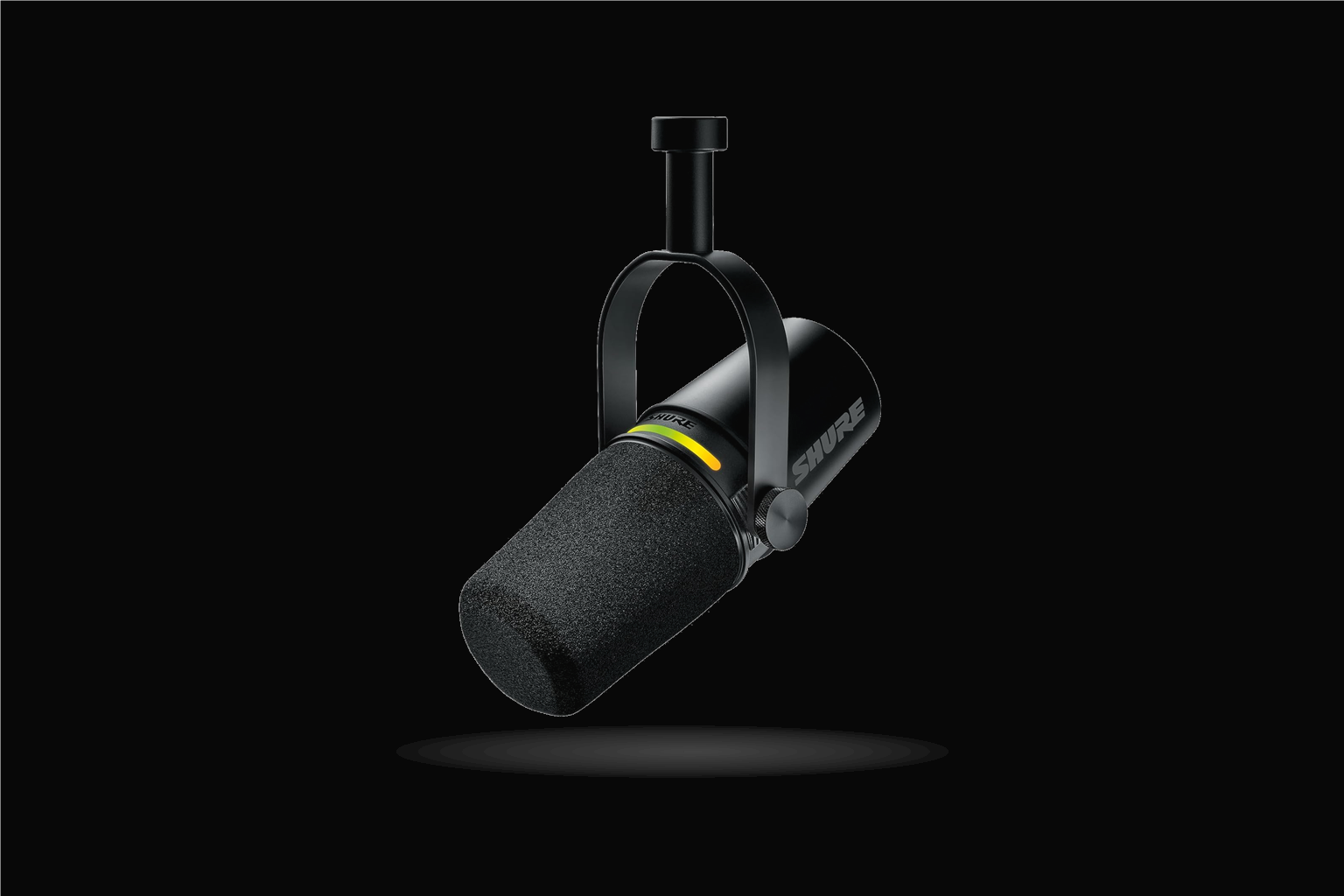
A microphone can be expensive and still sound underwhelming if it is parked in the wrong place. The Shure MV7 usually rewards simple positioning changes much more than people expect, which is good news if you want a setup that sounds better without turning into a project.

That is one of the more reassuring things about this mic. You do not need a complicated signal chain to hear an improvement. You usually just need the microphone to be working with your desk and your speaking position instead of against them.

Check the Shure MV7 on Amazon

Why This Can Feel Like a Safer Buy

That makes this kind of guide especially useful. It helps the purchase feel more worthwhile by making sure the microphone is actually working in your favor instead of fighting the desk, the room, or your speaking position.

It also protects the buyer from a very common kind of disappointment. Good gear can feel average if it is used carelessly. When the placement is right, though, the MV7 tends to sound more obviously like the serious, low-regret upgrade people hoped they were getting.

Bring the Mic to the Voice

The MV7 generally sounds best when it is closer to your mouth than beginners first assume. You do not need it touching your face, but you do want it near enough that your voice stays the priority instead of the room.

That one change tends to make the microphone feel more premium right away. A closer position gives the voice more weight and reduces how much the room tries to join the conversation. It is one of the easiest ways to get from “nice mic” to “that actually sounds right.”

Avoid the Desk Reflection Trap

Flat desks and nearby hard surfaces can make audio feel harsher or thinner than it should. A small angle change or a slightly different position can make the microphone sound more natural almost immediately.

This is where simple experimentation pays off. You are not chasing a magical perfect setting. You are just trying to stop the desk from adding extra glare or weird reflections to the sound. Even a subtle repositioning can make the setup feel calmer and more controlled.

Choose Consistency Over Constant Tinkering

A dependable speaking position usually beats endless small adjustments. Once the mic sounds clean and stable in a repeatable spot, the whole setup becomes easier to trust.

That consistency matters more than a lot of people realize. If the microphone sounds good every time you sit down, the desk feels easier to rely on. That is what turns a good purchase into one that keeps feeling worth it instead of one that always needs more attention.

Also Consider

If your room is the real issue, you may still need to soften the space around the desk. But good mic position is usually the fastest improvement available, and it costs nothing once the MV7 is already on the desk.

That is why positioning advice is so useful here. It respects the fact that many buyers do not need more products. They just need the product they already bought to sound closer to its actual potential.

Final Take

The MV7 feels easier to justify when you hear it in a setup that actually suits it. A few smart positioning choices can turn a good microphone into one that sounds obviously right for the desk.

That is the kind of improvement people remember. It does not come from endless tweaking. It comes from a handful of practical choices that make the microphone sound clearer, calmer, and more confidently in control of the room.
See the Shure MV7 on Amazon

About the Author

code ex

Administrator

View All Posts
  • Guides

Post navigation

Previous: Why the Shure MV7 Still Feels Like a Smart Mic for Remote Meetings
Next: Logitech MX Master 3S Review: The Mouse Upgrade That Makes Desk Work Feel Smoother

Related Stories

anker-555-usb-c-hub-guide-calmer-workflow-with-samsung-t7-shield-cover-v1
  • Guides

Anker 555 USB-C Hub Guide: How to Dock a Laptop Without Cable Clutter with Samsung T7 Shield Portable SSD

June 21, 2026 70
rode-nt-usb-mini-guide-cleaner-calls-with-lift-vertical-cover-v1
  • Guides

RODE NT-USB Mini Guide: How to Set It Up for Better Calls and Clearer Voice

June 20, 2026 65
pebble-keys-2-guide-calmer-workflow-with-crucial-x9-pro-cover-v1
  • Guides

Logitech Pebble Keys 2 K380s Guide: How to Set It Up on a Small Desk Without Cramping the Space with Crucial X9 Pro

June 21, 2026 65
macbook-air-m4-guide-cleaner-calls-with-benq-screenbar-halo-cover-v1
  • Guides

MacBook Air M4 Guide: How to Keep the Setup Clean and Easy to Use

June 20, 2026 69
mx-master-3s-guide-calmer-workflow-with-anker-555-usb-c-hub-cover-v1
  • Guides

Logitech MX Master 3S Guide: How to Set It Up for Better All-Day Desk Work with Anker 555 USB-C Hub

June 21, 2026 87
pebble-keys-2-guide-cleaner-calls-with-rode-nt-usb-mini-cover-v1
  • Guides

Logitech Pebble Keys 2 K380s Guide: How to Set It Up on a Small Desk Without Cramping the Space with RODE NT-USB Mini

June 21, 2026 78

Trending Now

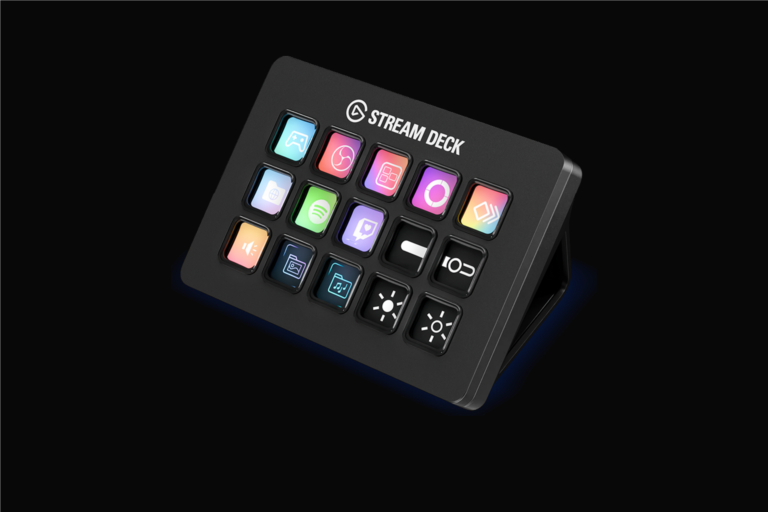
Elgato Stream Deck MK.2 Review: A Cleaner Way to Run Scenes and Shortcuts with Keychron K2 HE elgato-stream-deck-mk2-review-stream-ready-with-keychron-k2-he-cover-v1 1

Elgato Stream Deck MK.2 Review: A Cleaner Way to Run Scenes and Shortcuts with Keychron K2 HE

June 28, 2026
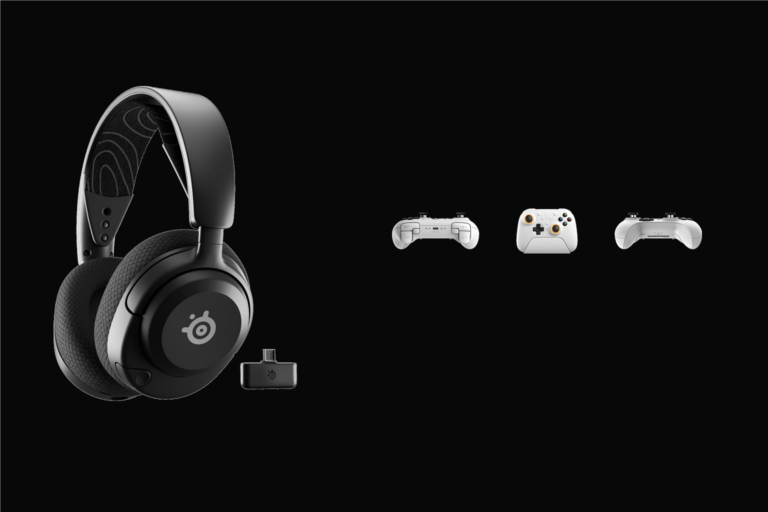
SteelSeries Arctis Nova 5 + 8BitDo Ultimate 2 Wireless for Multi-Platform Play steelseries-arctis-nova-5-and-eightbitdo-ultimate-2-wireless-article-multi-platform-play-cover-v1 2

SteelSeries Arctis Nova 5 + 8BitDo Ultimate 2 Wireless for Multi-Platform Play

June 27, 2026
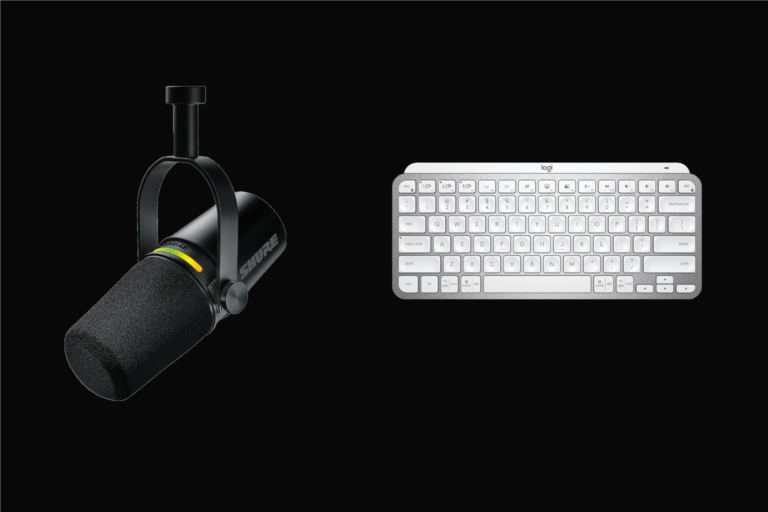
Shure MV7 and MX Keys Mini: Better Audio and Smoother Desk Work for Calmer Work shure-mv7-and-mx-keys-mini-article-calmer-workflow-cover-v1 3

Shure MV7 and MX Keys Mini: Better Audio and Smoother Desk Work for Calmer Work

June 27, 2026
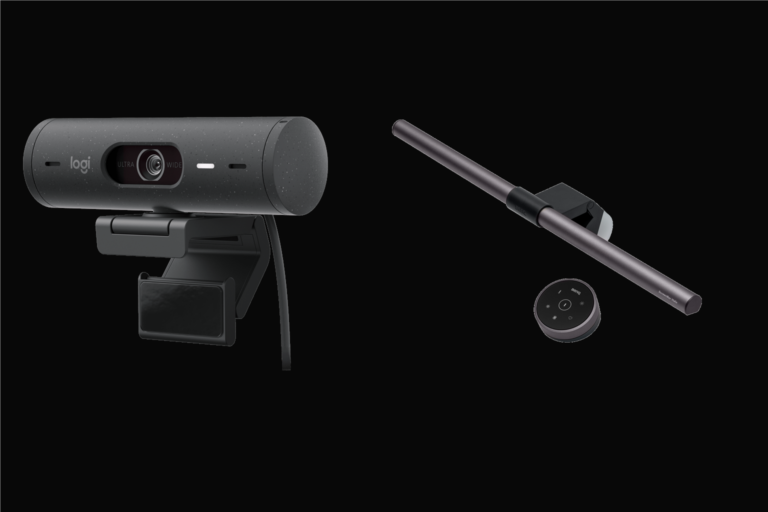
Brio 500 and BenQ ScreenBar Halo: Better Calls and Better Desk Light for Small Desks brio-500-and-benq-screenbar-halo-article-small-desk-cover-v1 4

Brio 500 and BenQ ScreenBar Halo: Better Calls and Better Desk Light for Small Desks

June 27, 2026

You may have missed

elgato-stream-deck-mk2-review-stream-ready-with-keychron-k2-he-cover-v1
  • Review

Elgato Stream Deck MK.2 Review: A Cleaner Way to Run Scenes and Shortcuts with Keychron K2 HE

June 28, 2026 78
steelseries-arctis-nova-5-and-eightbitdo-ultimate-2-wireless-article-multi-platform-play-cover-v1
  • Article

SteelSeries Arctis Nova 5 + 8BitDo Ultimate 2 Wireless for Multi-Platform Play

June 27, 2026 87
shure-mv7-and-mx-keys-mini-article-calmer-workflow-cover-v1
  • Article

Shure MV7 and MX Keys Mini: Better Audio and Smoother Desk Work for Calmer Work

June 27, 2026 85
brio-500-and-benq-screenbar-halo-article-small-desk-cover-v1
  • Article

Brio 500 and BenQ ScreenBar Halo: Better Calls and Better Desk Light for Small Desks

June 27, 2026 67
  • Terms Of Service
  • Privacy Policy
Copyright © 2026 All rights reserved.